Gakusen Discord Guide
Where codes and patch talk drop first — plus the safety rules that keep your account yours.
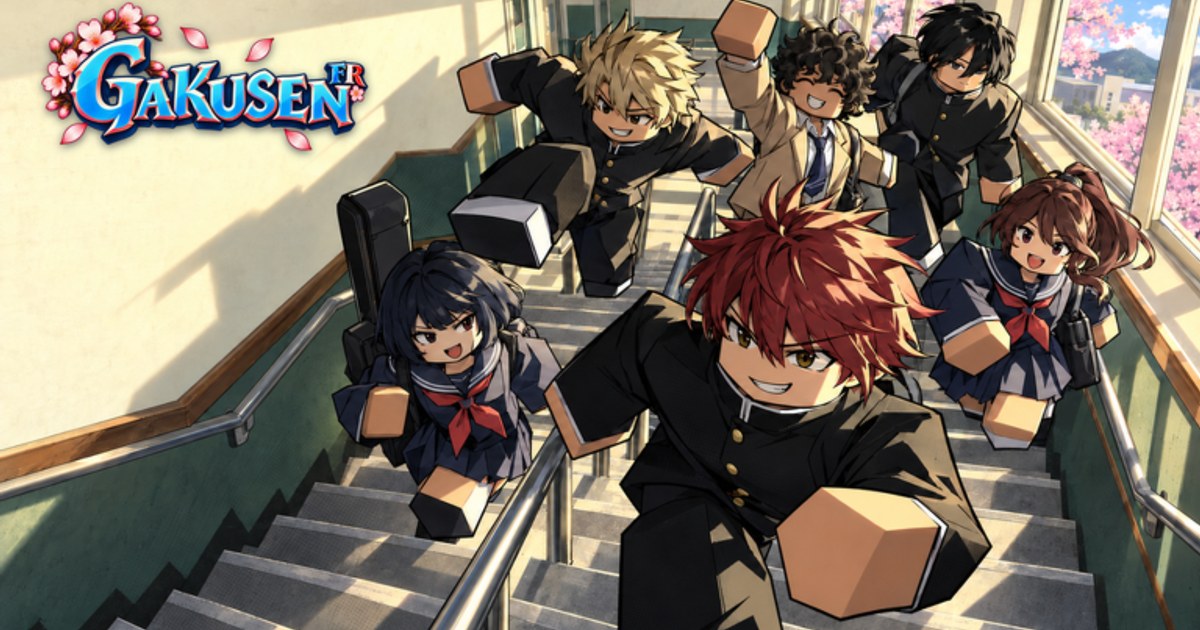
If you play Gakusen for more than one evening, you will eventually need the community Discord. Promo codes, soft bug warnings, screenshot gatherings, and “did Settings move?” questions show up there faster than on any fan wiki. This page explains how to join the real server, why it matters for a solo-dev Roblox beta, and how to ignore the password scams that orbit every popular experience.
Official-ish invite used across this wiki: discord.com/invite/erKvKfJyv4. Keep the broader bookmark list on the Links Hub, and cross-check the Roblox group Gakusen (community 198308706) when something feels off.
Why Discord matters for Gakusen specifically
Gakusen is a free-to-play Roblox beta (place 134236830050671, universe 10768781474) set in a spring countryside school town with class / konbini / train vibes and rooftop battlegrounds energy. A solo developer ships on an irregular cadence. That means:
- New Reroll codes often appear with content drops.
- UI labels (including the Settings code field) can shift without a long patch essay.
- Players share repro steps for soft locks on roof edges or interiors.
- Fashion and etiquette norms evolve in public channels faster than static guides.
This unofficial wiki tracks durable facts — redeem steps on Codes, day-one flow on Getting Started, mindset on Updates — but Discord is the live wire.
How to join (clean path)
- Open the invite in a browser or the Discord app:
https://discord.com/invite/erKvKfJyv4. - Log into your Discord account (2FA on Discord is smart; still never type Roblox passwords here).
- Accept the invite and complete any onboarding / reaction roles the server requires.
- Mute noisy channels if you only care about announcements and code drops.
- Pin or bookmark the invite from the Links Hub so you are not fishing mystery short links later.
If Discord asks you to download a random .exe “verification tool” from a stranger’s DM, stop. Real Discord verification flows stay inside Discord or linked official docs — they do not need your Roblox password.
What to watch after you join
Codes and rewards
When a new string drops, redeem it in-game: Settings (top-left) → Enter a code → REDEEM. As of 22 November 2026, primary verified codes remain UPDATE (30 Rerolls) and DISCORD (15 Rerolls), with UPDATE2 (15) widely reported. Deep troubleshooting: How to Redeem Codes. Live table: Codes Hub.
Patch and beta chatter
Read announcements twice before burning every Reroll. Solo-dev notes can be short. Pair Discord hype with the calm checklist on the Updates Hub.
Screenshots and meetups
Spring town photo ops (school, konbini, train, roof) often organize socially. Bring a look you already like from the Players Hub instead of panic-rolling in voice chat.
Safety rules that prevent most account losses
- Never give your Roblox password to a Discord user, bot, or “restore form.”
- Never paste account cookies,
.ROBLOSECURITYstyle secrets, or backup codes into tickets. - Never download executor packs because someone promised free rolls or auto-redeem — that overlaps ban-risk territory described on the Scripts Hub.
- Treat DMs that rush you (“code expires in 2 minutes, verify now”) as hostile.
- Prefer links that match the Roblox place id
134236830050671and group community198308706. - Remember this wiki is unofficial; when Discord staff / group shoutouts conflict with us, verify in the live client.
Codes do not redeem on websites. If a message says “log in on this site to claim UPDATE,” it is a theft attempt.
How Discord fits the rest of your session
| Goal | Discord use | Wiki page to keep open |
|---|---|---|
| Claim free Rerolls | Watch code channels | Codes + How to Redeem |
| Understand a patch | Read announcements | Updates |
| Find friends | Social / looking-for channels | Getting Started |
| Fashion help | Share screenshots | Players |
| Confirm you are in the right game | Compare place / group links | Links Hub |
Etiquette that keeps the server useful
- Search before asking “any codes?” for the fifth time in an hour.
- When reporting bugs, include where you were (roof, konbini, class) and whether you rejoined.
- Do not harass the solo developer for ETAs in DMs.
- Keep Gakusen / Gakuran name confusion out of bug reports — use the correct game name.
- Do not paste malware “fix scripts” into public channels.
Related pages
- Links Hub — Roblox place, group, and invite bookmarks
- Codes Hub — working strings and redeem overview
- How to Redeem Codes — Settings walkthrough
- Updates Hub — beta patch expectations
- Wiki overview — what this fan site covers
Join once, turn on the channels that matter, and treat every urgent DM as guilty until proven safe. The spring town is more fun when your Rerolls arrive from a real code toast — not from a phishing page that stole the account that owned them.
Frequently Asked Questions
Quick answers about codes, rerolls, and school-town play in Gakusen.
What is the Gakusen Discord invite?
https://discord.com/invite/erKvKfJyv4 — also linked from the Links Hub on this wiki.
Why should I join Discord?
New Reroll codes, patch chatter, and beta UI notes usually appear there first while the solo developer iterates.
Can Discord bots redeem codes for me?
No. Redeem only inside Gakusen Settings. Bots or sites asking for your Roblox password are scams.
What if someone DMs a ‘verification’ download?
Ignore it. Do not run mystery executables or enter Roblox credentials. Real invites do not need your game password.
Is this wiki the same as the Discord staff?
No. This is an unofficial fan wiki. Prefer Discord announcements and the Roblox group when information conflicts.